> ## Documentation Index
> Fetch the complete documentation index at: https://docs.lokaliser.io/llms.txt
> Use this file to discover all available pages before exploring further.
# Welcome to Lokaliser Docs
> Overview of Lokaliser.io — your localization dashboard and Figma plugin.
 ### Introduction
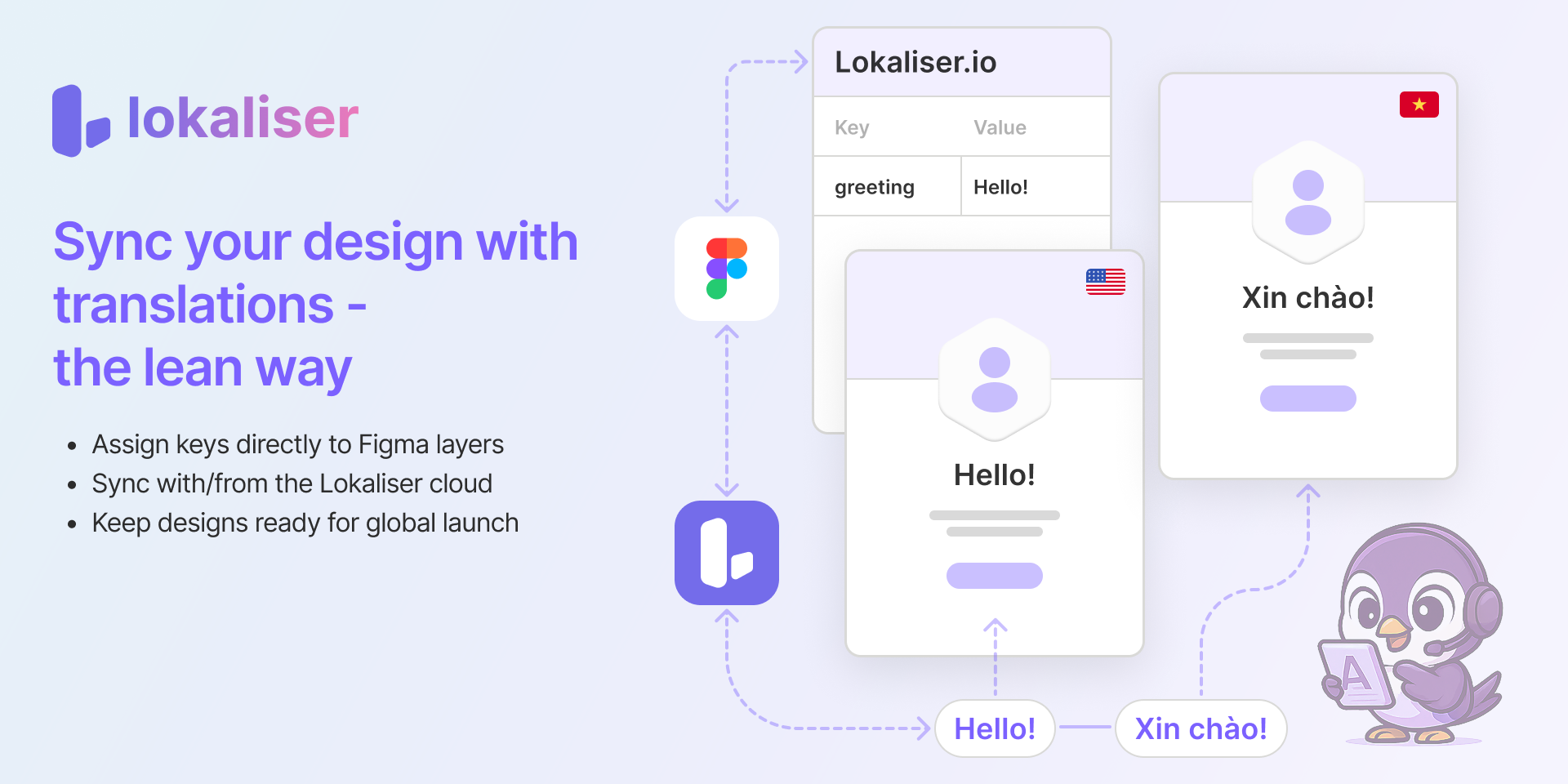
**Lokaliser.io** helps product teams accelerate localization by seamlessly bridging design and translation.
* 🌍 Localize UI content early via Figma
* ⚙️ Manage translation workflows collaboratively in the dashboard
* 🚀 Launch globally with confidence
### **Core Features**
* **Figma Plugin** – link keys, preview translations, sync with dashboard
* **TMS Dashboard** – edit keys, assign collaborators, manage locales
* **Auth** – secure signup with Google or Email + Password
If you’re in a hurry, head to [**Quickstart**](getting-started/quickstart) – you’ll be up and running in 5 minutes.
### Introduction
**Lokaliser.io** helps product teams accelerate localization by seamlessly bridging design and translation.
* 🌍 Localize UI content early via Figma
* ⚙️ Manage translation workflows collaboratively in the dashboard
* 🚀 Launch globally with confidence
### **Core Features**
* **Figma Plugin** – link keys, preview translations, sync with dashboard
* **TMS Dashboard** – edit keys, assign collaborators, manage locales
* **Auth** – secure signup with Google or Email + Password
If you’re in a hurry, head to [**Quickstart**](getting-started/quickstart) – you’ll be up and running in 5 minutes.